Studio setup and account
This content is intended for all Studio users.
Better Studio is available in two tiers:
- a trial self-registration tier for individuals and learners
- a licensed organisational tier for teams and enterprises requiring production-ready environments
Both tiers use the same Studio interface, but differ significantly in environment configuration, data capacity, support, and governance capabilities.
Use this section to understand which setup path is right for you, how to get started, and what to expect once you are in.
| Trial | Licensed (Organisational) | |
|---|---|---|
| Who is it for | Individuals, learners, early exploration | Teams, enterprises, production deployments |
| Environment | Shared, Better-hosted | Dedicated cloud or on-premise |
| Projects | One pre-built project | Unlimited projects |
| Data repositories | Pre-connected CDR (openEHR) and ODR/demography (FHIR) | Configurable; connect your own data repositories, as well as SNOMED, ICD10, LOINC, etc. |
| Patient records | Limited virtual patients (for testing) | Scalable to production volumes |
| Marketplace access | Public library only | Public and private library |
| Support | Community (Better Hive) | Dedicated ZenDesk support |
| Setup | Self-registration; ready in minutes | Onboarded by Better |
Trial Studio
Who should use the trial tier?
The trial tier is designed for individuals exploring Studio for the first time. Whether you are a clinical informaticist evaluating the platform, a developer prototyping ideas, or a learner building your first openEHR-based application. It requires no infrastructure and no commitment.
The trial tier is not intended for production use or for storing real patient data.
Creating a trial Studio account
You can register for a trial Studio account at any time via self-registration. The registration process takes a few minutes.
- Visit the Studio registration page.
- Enter your email address and account details, before you click Create account.
- Check your inbox for a verification email and click the link to activate your account.
- Set up your Studio account password.
- Sign in to explore Studio.
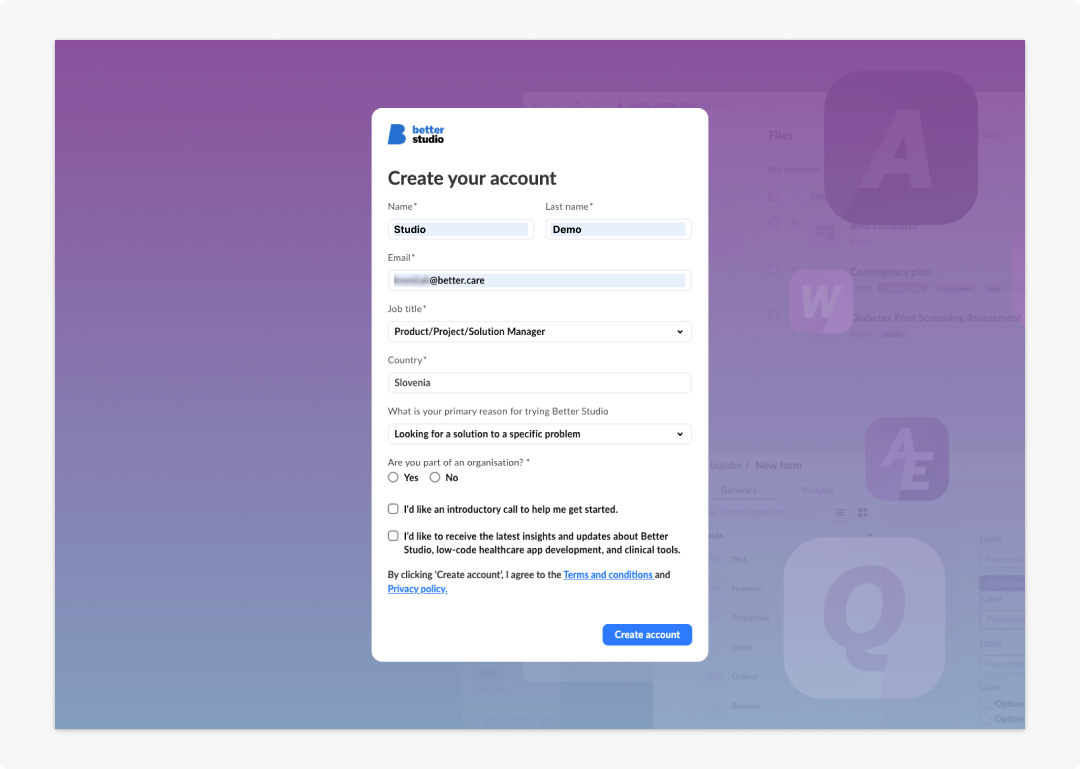
First sign in: On your first sign in, Studio will take up to a minute to provision your environment. If the setup screen persists beyond that, refresh the page or close the window and revisit the sign-in page.
What is included
Your trial account comes pre-configured with everything you need to start exploring:
- A single pre-built project, already connected to a clinical data repository (CDR - openEHR) and demographic virtual patient data (ODR - FHIR). No additional configuration is needed.
- Access to the public Marketplace library, with ready-to-use widgets, templates, forms, AQL views, and more.
- 10 virtual patients with preset data for testing purposes.
- Community support via Better Hive.
Troubleshooting
I have not received a verification email
Check your spam or junk folder first. If there is nothing there, you may already have an account registered to that email address. Simply go to the sign in page and use Forgot Password? to regain access.
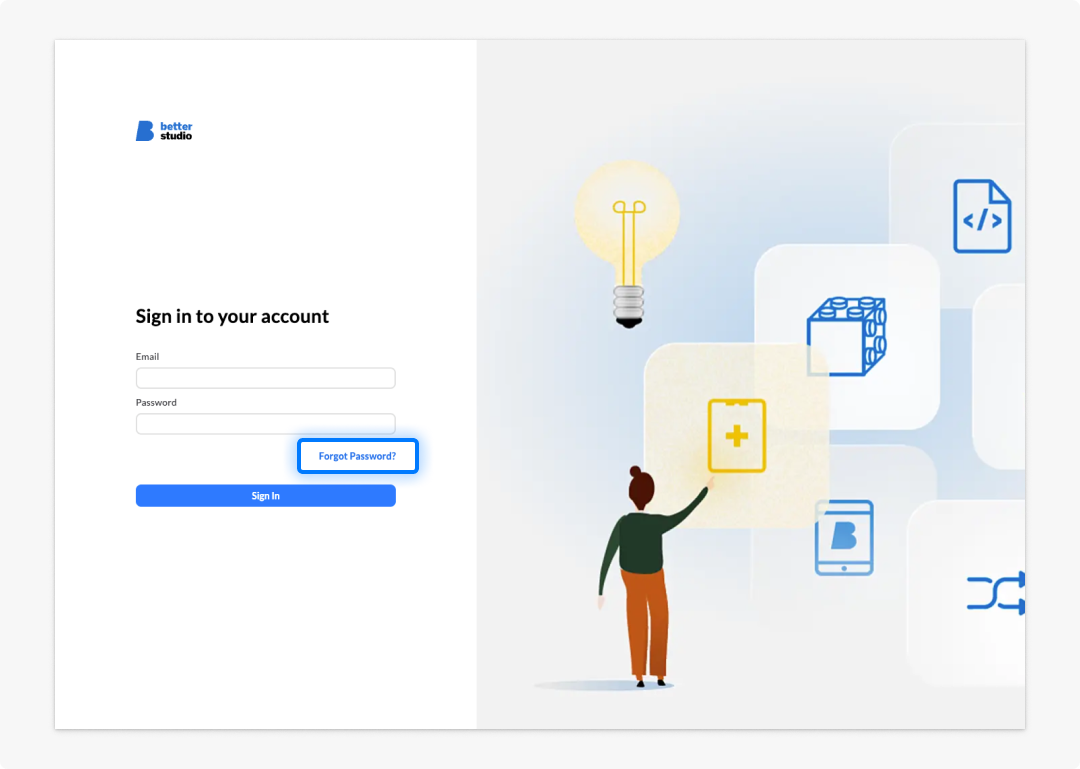
If you are certain you do not have an existing account, you can retry the registration process from the beginning. Make sure to delete any cache or browser history beforehand.
Password issues
If you have not saved your password or you do not remember it, go to the sign-in page and click Forgot Password?. You will receive a password reset link via email.
My Studio environment is taking a long time to set up
Environment provisioning typically completes within one minute of your first login. If your setup takes longer to load, refresh the page or close the window completely and sign in again.
Studio is not behaving as expected in my browser
Studio is fully supported in Google Chrome and Safari. If you are using a different browser, you may encounter unexpected behaviour in Studio, like tool malfunctioning or windows not rendering properly. We recommend switching to one of the supported browser options.
If you have an ad blocker active, it may interfere with registration or sign-in. Temporarily disable it for https://studio.better.care while setting up your account.
Licensed Studio (organisational)
The licensed tier is for teams and organisations deploying Studio in professional or production contexts.
These can be healthcare providers building clinical applications, vendors embedding Studio into a product, or enterprises requiring dedicated infrastructure and compliance controls.
Licensed accounts are onboarded directly by the Better team, who will work with you to configure the right environment for your needs.
Deployment options
Licensed organisational accounts can be deployed on a Better-managed cloud hosting. Here, Studio is hosted and maintained by Better on a dedicated cloud infrastructure. Your team gets a production-ready environment without managing any infrastructure directly.
What is included
- Dedicated environments: Cloud-hosted or on-premise, with multiple environment tiers.
- Unlimited projects: No cap on the number of projects you can create.
- Public and private Marketplace libraries: Access to both shared public library and your organisation-specific library.
- Scalable patient records: EHRs configured to your production data volumes.
- Dedicated ZenDesk support: Direct access to the Better support and customer success teams.
Getting started with a licensed account
Licensed accounts are not available via self-registration. To discuss options and begin onboarding, contact the Better sales team for a demo.