AQL builder
This content is intended for all Studio users.
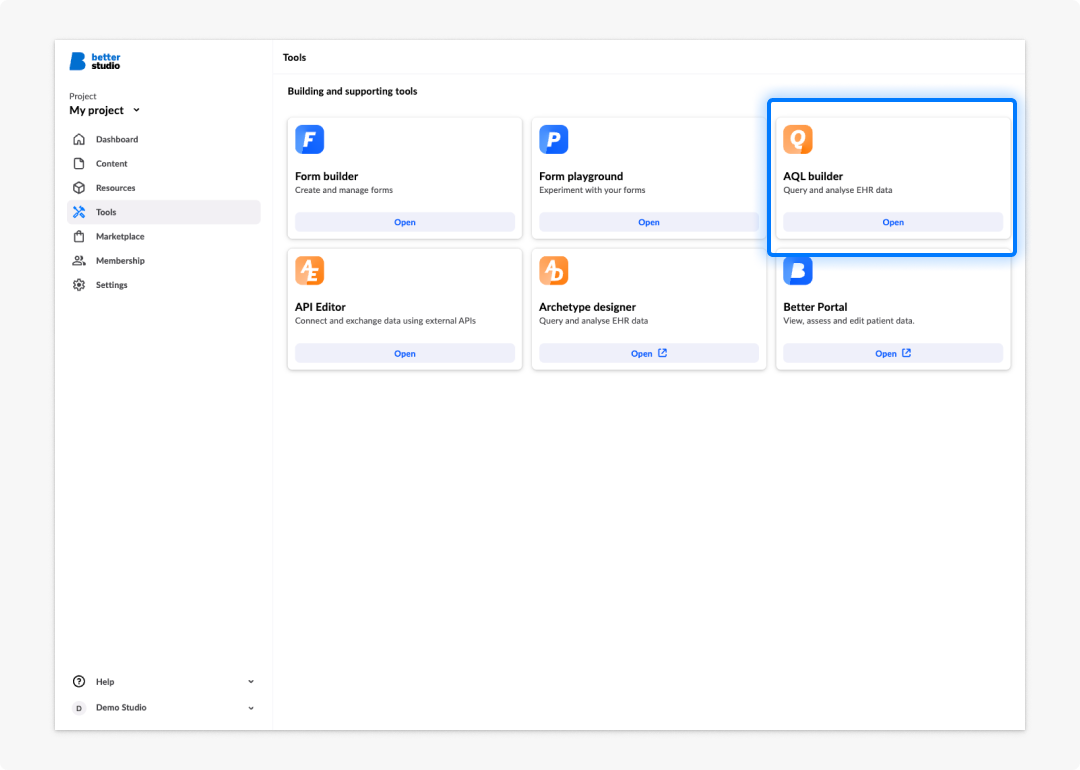
The AQL builder is a project-level tool in Better Studio. It gives you a dedicated workspace for writing AQL (Archetype Query Language) queries against the EHR server connected to your project, testing them against real data, saving them for reuse, and exposing them as callable views that forms and applications can consume.
When to use the AQL builder
Use the AQL builder at the point in your build where you need to bring EHR data into a form or application. Common examples include:
- Pre-populating a field with the patient's last recorded measurement. An example would be the most recent blood pressure reading.
- Displaying a list of previous encounters or assessments in a summary view.
- Driving calculated fields or conditional logic that depends on stored clinical data.
- Feeding a dashboard with aggregated or time-series data from the CDR.
If your form only captures data and does not need to display or respond to existing clinical data, you may not need the AQL builder at all.
How the AQL builder fits into the build flow
In Studio, clinical data flows in both directions. Form builder handles the structure and logic of a form. The AQL builder handles the data connection. It defines what data is retrieved from the EHR and in what shape. The typical workflow is:
- Build the form structure in Form builder.
- Write and test the queries you need in the AQL builder.
- Save the tested queries as views.
- Connect the views to the form using data connectors in Form builder.
Views are the bridge between the AQL builder and the rest of Studio. A view is a saved query that becomes a named endpoint on the EHR server. Data connectors in Form builder call that endpoint and map the response to form fields.
AQL builder vs API editor: Use the AQL builder to query openEHR data on the connected EHR server. Use the API editor to connect to external REST APIs. The two tools are complementary — many forms use both.
Query assistant
The AQL builder includes a Query assistant, an AI-powered tool that generates AQL and JavaScript queries from natural-language descriptions. Describe the data you need in plain language and the Query assistant produces a query you can review, edit, and test directly in the editor.
The Query assistant is a good starting point when you are new to AQL or working with an unfamiliar template. Always review and test any generated query before connecting it to a form.
See Query assistant for a full walkthrough.
Using ad blocker might cause problems when saving a form (incorrect username, missing comment), saving summaries, and when using AQL builder.
Frequently asked questions (FAQs)
What is the difference between a query and a view?
A query is a statement you write and run interactively in the AQL builder. A view is that query saved and registered as a named endpoint on the EHR server. Forms and applications consume views, not raw queries.
Can I use the AQL builder without knowing openEHR?
You can get started using the template browser and the Query Assistant, but a basic understanding of archetypes and templates will help you write correct, efficient queries. See Understanding your data.
Is the AQL builder available in all Studio plans?
The AQL builder is available in all Studio projects that have an EHR server connected. If you cannot see it in your project navigation, contact your Studio administrator.
Can the Query assistant write queries for me?
Yes. The Query Assistant generates AQL from natural-language descriptions. It is a good starting point, but always review and test generated queries before connecting them to a form. See Query Assistant.